How to check if an online shop is safe
How to check if an online shop is safe before you pay: who runs it, contact details, returns, payment methods, reviews and Google's malware warnings.
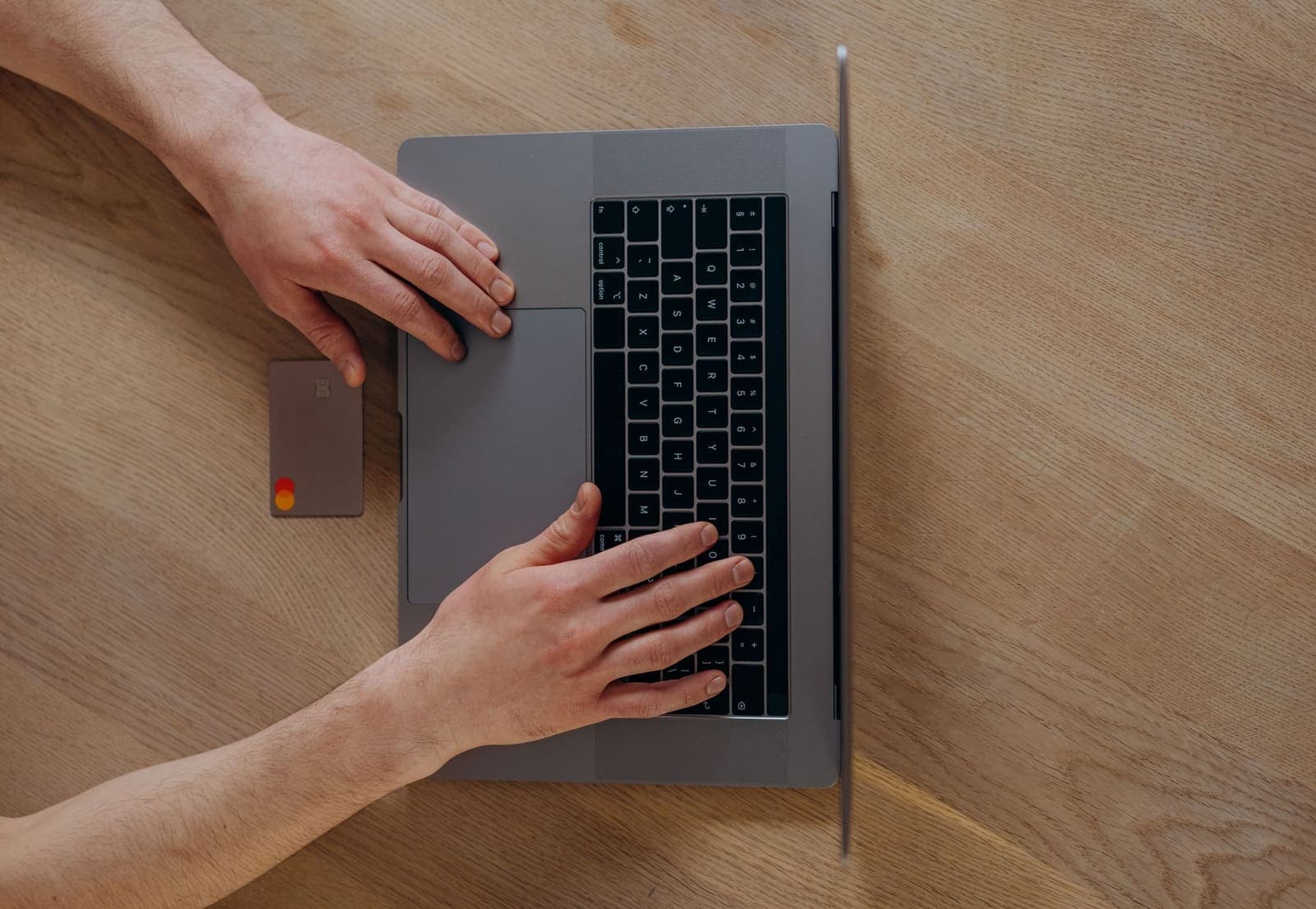
Most online shops are fine. The trouble is the few that are not, because their websites can look just as good. These checks take a few minutes and catch most problems before you pay.
Find out who runs the shop
Look for the company name, street address and VAT number, usually in the footer, the legal notice or the terms. A VAT number from an EU business can be checked in the EU's VIES register: if it is not valid or belongs to a different company, stop there. Many countries also have a public company register where you can look up the name.
Check that you can reach them
A real shop gives an e-mail address and usually a phone number. A contact form alone is not enough. If you have doubts, send a question and see whether a person answers.
Read the returns page
Within the EU you usually have 14 days to withdraw from an online purchase. A shop that sells to EU buyers has to explain this and tell you how to return goods. If the returns page is missing, vague or mentions another shop's name, take that seriously. See your rights when shopping online in the EU.
Look at the payment methods
Cards, PayPal and well-known local methods are normal. A shop that only accepts bank transfers, crypto or gift cards leaves you with no one to turn to if nothing arrives. Credit cards and some payment providers let you dispute a payment; check the conditions with your bank.
Read reviews from outside the shop
Search for the shop's name plus "reviews" or "scam". Reviews on the shop's own site prove little. Look at independent review sites and read the recent and negative reviews, especially about missing deliveries and refunds.
Check for security warnings
The padlock (https) means the connection is encrypted. It does not mean the shop is honest. If your browser or Google warns that a site is dangerous, do not enter any details.
Compare the price
If the same product costs much less than everywhere else, there is usually a reason. Fake shops attract buyers with prices that are too good to be true.
Let CheckShop do the checks
Enter the address on CheckShop. It runs 25 checks in four groups: who is behind the shop, safety, buying and returns, and technical details. It looks up the VAT number in VIES, checks whether Google Web Risk reports malware or phishing, and shows reviews from real buyers. You get a score from 0 to 100 and a verdict from Excellent to Poor. A Google malware or phishing report always makes the verdict red. Checking is free, and every shop is checked again each week.
A good score lowers the risk but is not a guarantee. If something feels wrong, trust that and buy elsewhere. Also read how to spot a fake online shop.
Más guías
Todas las guías- Paying safely online: which payment methods protect youWhich ways to pay at a webshop let you get your money back if nothing arrives, which ones do not, and the warning signs at checkout.
- How to get an online shop checkedGetting an online shop checked (onlineshop prüfen lassen) before you order: what an automated check covers, what to check yourself and the red flags.
- A webshop did not deliver: what you can do in the EUYour rights when an online order does not arrive, step by step: from a reminder to the shop to getting your money back through your bank or a European Consumer Centre.